VHS 一款用于生成 CLI 动图的工具
前言⌗
这个工具叫 VHS,使用 Go 语言开发,它让你可以通过配置文件对 CLI 的录入和操作进行编排,最终生成 GIF、Video 等。
示例⌗
Output neofetch.gif

Set TypingSpeed 75ms
Set FontSize 14
Set Width 944
Set Height 428

Type "neofetch"

Sleep 500ms

Enter

Sleep 2s

Type "Welcome to VHS!"

Sleep 1

Space

Type "A tool for generating terminal GIFs from code."

Sleep 5s
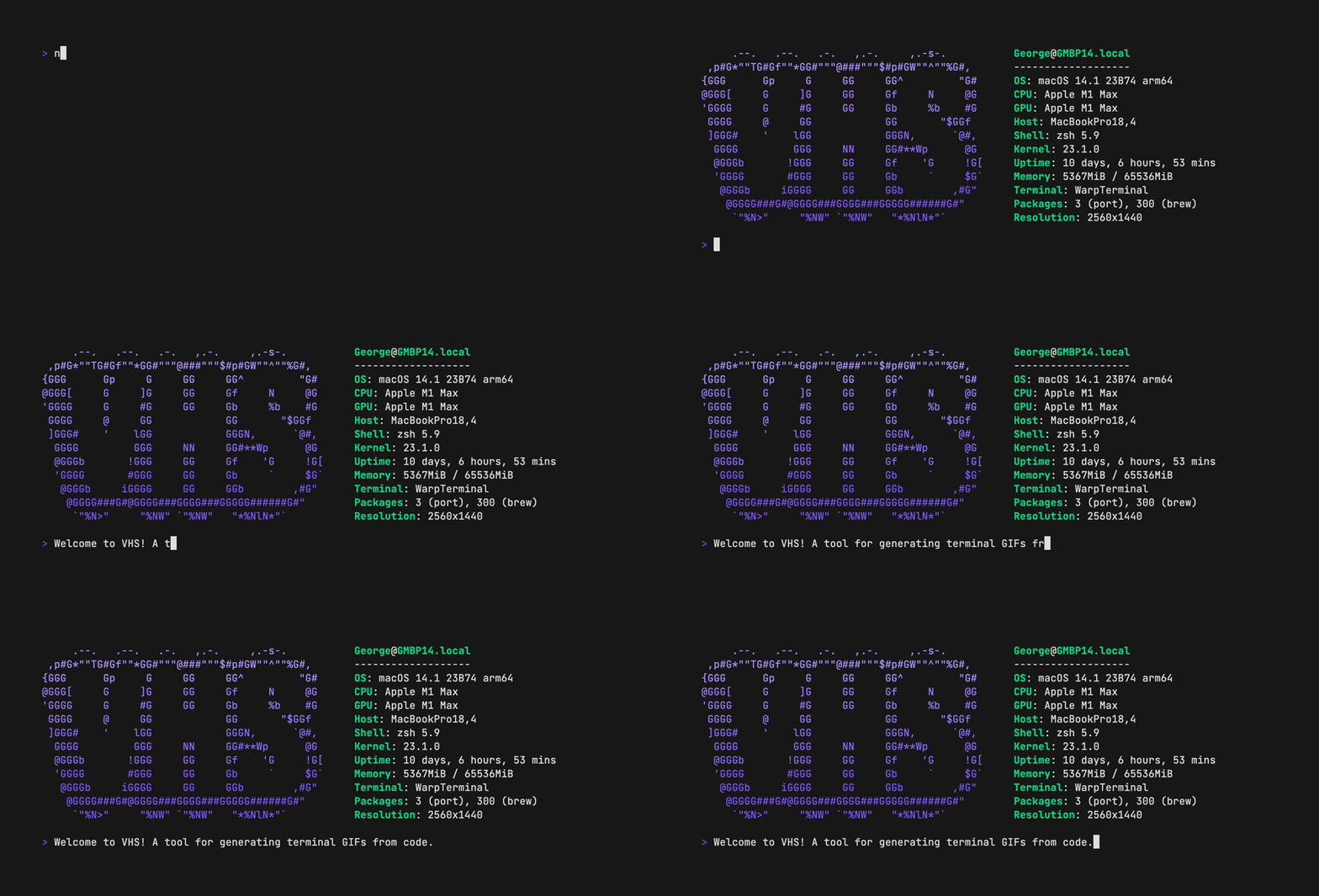
通过上面的示例,可以看到,我们可以定义最终输出的屏幕分辨率,以及模拟人录入的速度,以及字体大小等。通过 Sleep 可以设置光标等待时长,Type 则是想要输入的内容,Enter 则是模拟人类按下 Enter 操作。
配置完成后最后执行 vhs,便可以生成想要的录屏格式了:
vhs neofetch.tape
File: neofetch.tape
Host your GIF on vhs.charm.sh: vhs publish <file>.gif
Output .gif neofetch.gif
Set TypingSpeed 75ms
Set FontSize 14
Set Width 944
Set Height 428
Type neofetch
Sleep 500ms
Enter 1
Sleep 2s
Type Welcome to VHS!
Sleep 1s
Space 1
Type A tool for generating terminal GIFs from code.
Sleep 5s
Creating neofetch.gif...
本文的封面 GIF 图就是这样生成出来的,这个项目还支持其他的自定义参数,可以参考官方项目中的 README 文档,以及 examples 中的示例。
I hope this is helpful, Happy hacking…
Read other posts